

VIRUSfighter is a very user-friendly anti virus software that is easy to install and is your effective protection against viruses and other malicious software destroying your computer.
VIRUSfighter will protect your machine against the latest and legacy threats, stopping viruses and other malware from destroying your valuable data and programs.
Updates are frequent, up to several times a day, to keep your protection fully up-to-date, so you are always protected from the latest threats.



VIRUSfighter is in the same product family as SPAMfighter, Europe's leading Spam Filter developer.
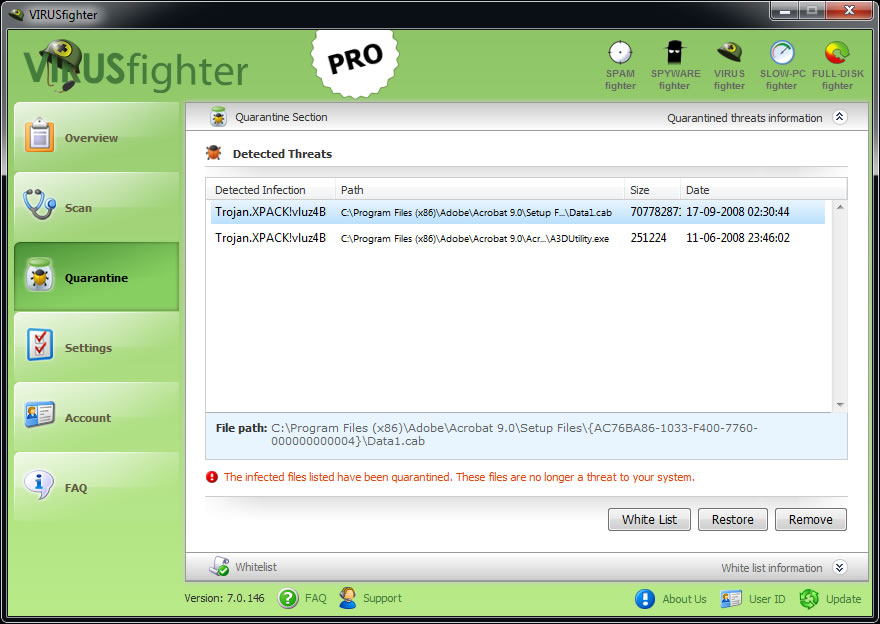
This is an overview over the files that VIRUSfighter have found and is holding in quarantine. You also have the option to delete the files hold in quarantine by VIRUSfighter.
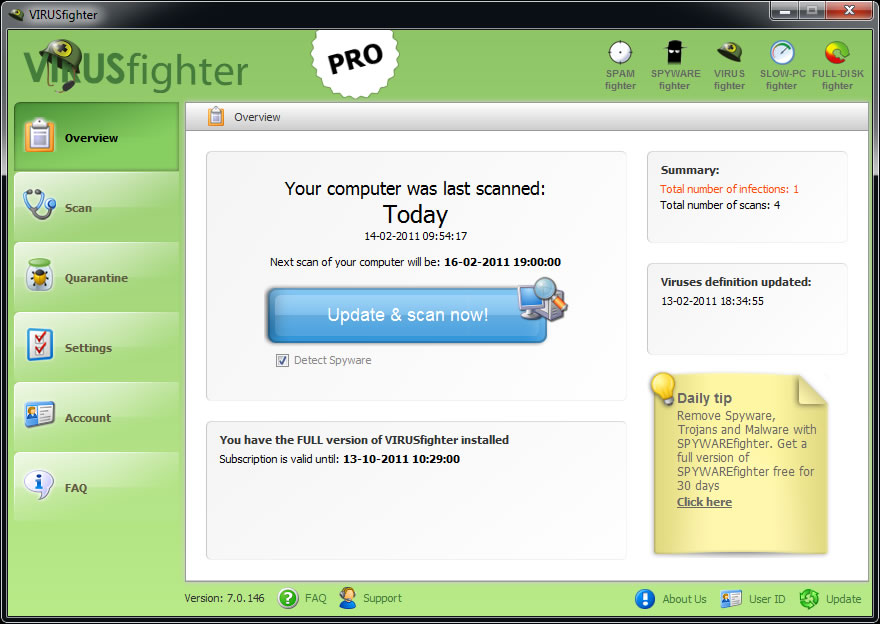
The program is easy to install, and runs discreetly in the background, protecting your system while you work without being obtrusive and interrupting the way that you work.
We have developed a very effective anti virus software - VIRUSfighter. It is a user-friendly virus scanner program that is easy to install on your computer.
VIRUSfighter is your protection against your machine being destroyed by a virus. The program is easy to install, and then runs discreetly in the background, watching for threats. Every time a new virus outbreak occurs, an effective antidote is quickly released and automatically installed - you don't have to lift a finger.
Your PC is running Windows
Version
7.5.177
Release date
2023-01-22
File size
2.25 MB
Languages
English, German, Spanish, French, Greek, Italian, Portuguese, Czech, Swedish, Norwegian, Dutch, Danish, Russian, Finnish, Polish, Chinese, Japanese and Korean.
Operating System
Microsoft Windows XP (SP2), Windows Vista, Windows 7, Windows 8/8.1 & Windows 10 (32bit and 64bit)
Memory
128 MB minimum
Disk Space
15 MB
