







Configuring Panda Titanium Unknow Threats
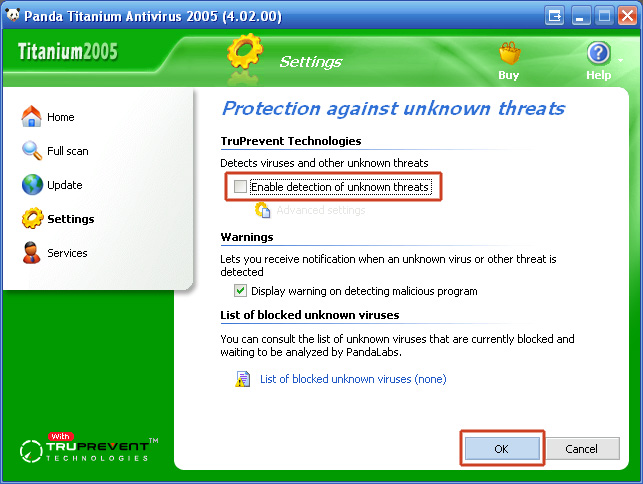
Panda Antivirus 2005 has a new function, which protects against unknown threats. This function does, however, cause SPAMfighter to not work correctly. Because of this, we advise you to disable this function.
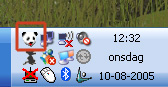
1. Open Panda by clicking on the Panda Logo in your sys-tray in your right corner. (Note: your sys-tray might look different than the one shown below)

2. Click "Open Panda Platinum 2005"
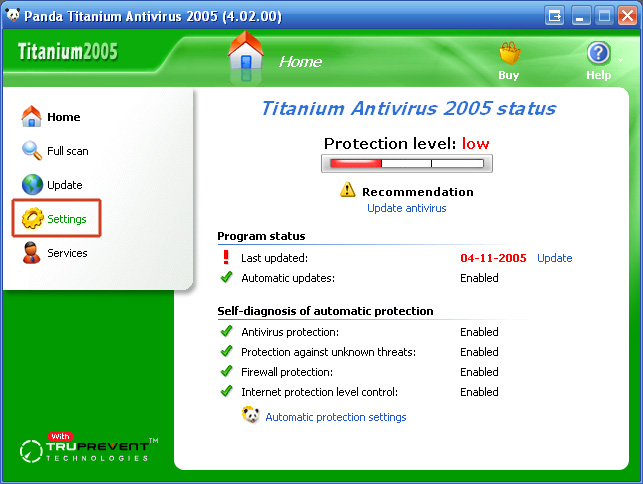
3. Click "Settings" in the menu.
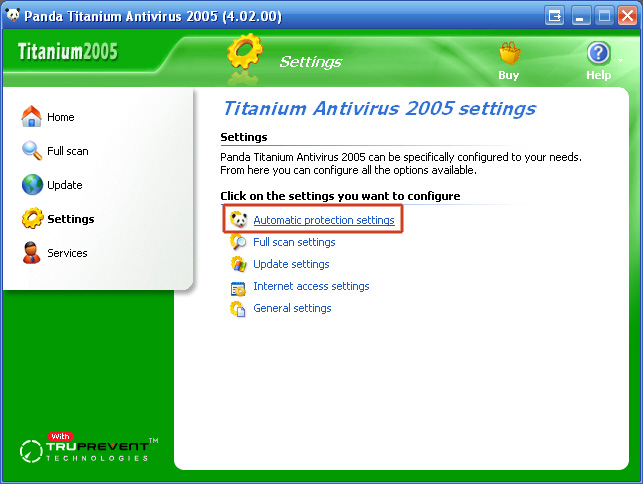
4. Click "Automatic protection settings".
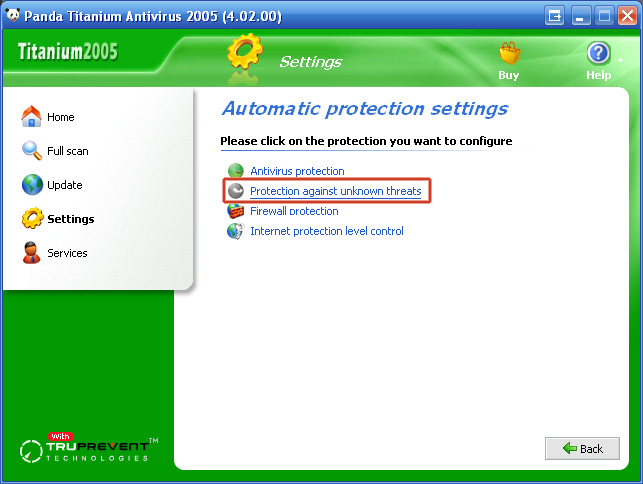
5. Click "Protection against unknown threats".
6. In the TruPrevent Technologies field, remove the check mark in "Enable detection of unknown threats" to disable it, and click "OK".
7. Close the Panda Titanium Antivirus control panel.
SPAMfighter is now able to protect you again.
(Note: You may have to reboot your computer, before the changes will take effect).